


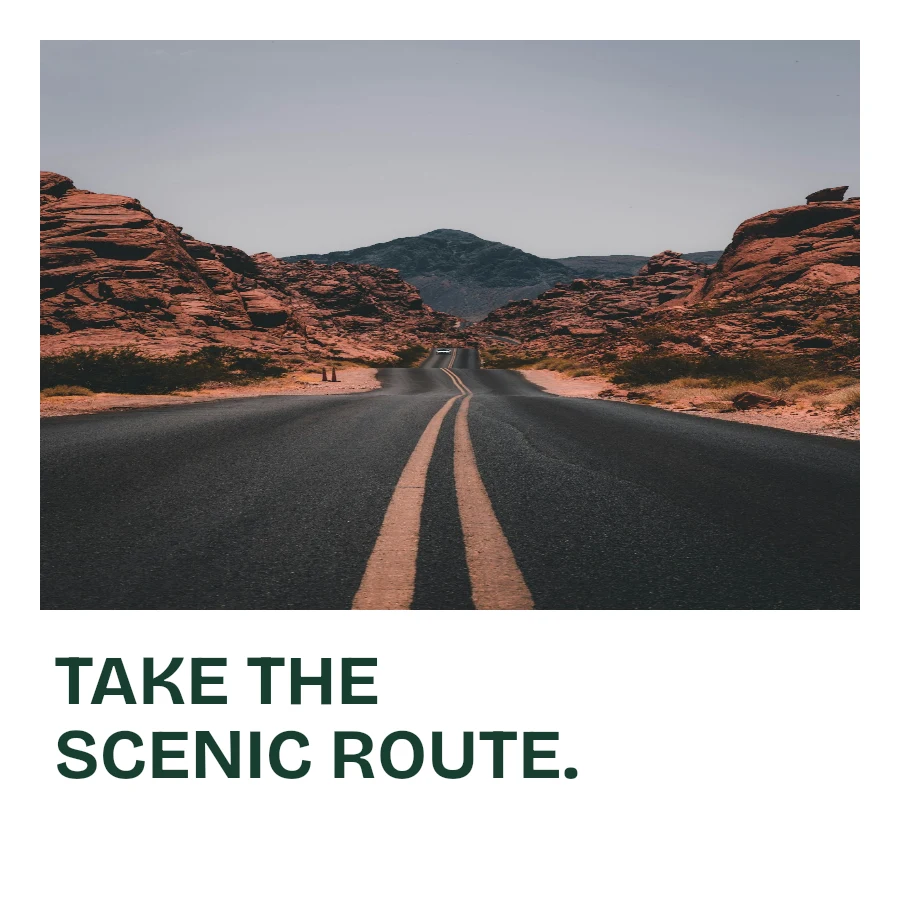
Procedurally generated backgrounds
Generate fresh flowing artwork, organic shapes or a mix of families. Layer them with colors and gradients to make a composition of your own.
Read the guideGenerate a background of your own. Add the words, photos and details that make the post yours.
One background becomes a palette, a headline, a photo story and a finished post. Every piece stays editable.
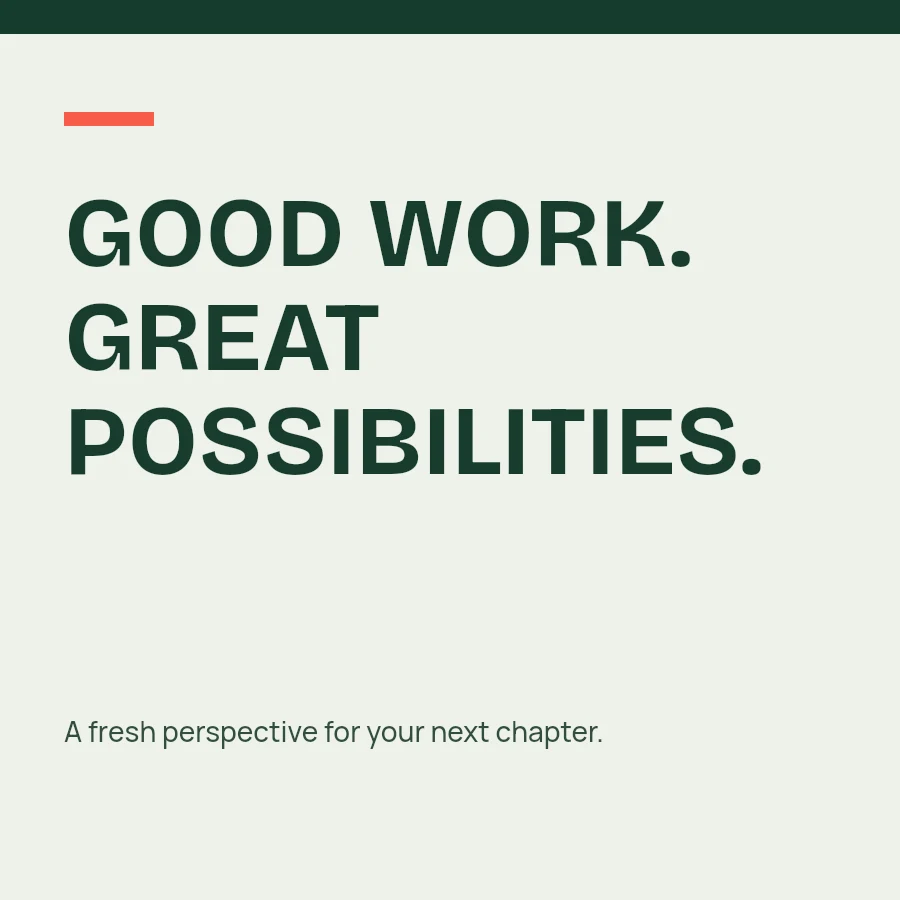
Set the message in your own voice. Keep a headline precise or give a short phrase a little movement.
Make a repeatable look. Keep the colors and type. Change the arrangement for the next announcement.
Keep the original. A PNG is for publishing. A .kruti file holds the layers, photos and settings for next time.
The complete toolkitGenerate fresh flowing artwork, organic shapes or a mix of families. Layer them with colors and gradients to make a composition of your own.
Read the guideChoose built-in fonts, write in your language, or bend text into waves, arcs and circles.
Read the guideExplore thirty-six collage layouts with real-photo previews, then crop and refine each image.
Read the guideBrowse fresh solid and gradient suggestions, or choose exactly the color you have in mind.
Read the guideAdd cards, shapes and editable freehand strokes, with the same color controls throughout.
Read the guideSave locally, download a complete .kruti post, and export PNG or JPEG when it is ready.
Read the guideChoose your canvas size and a background. Keep it understated for a professional announcement or add another layer for a social post.
Add your words, photos and details. Preview fonts, shape your text, and compare collage layouts before applying them.
Keep the editable post, export the image, and return to the design settings you use most.
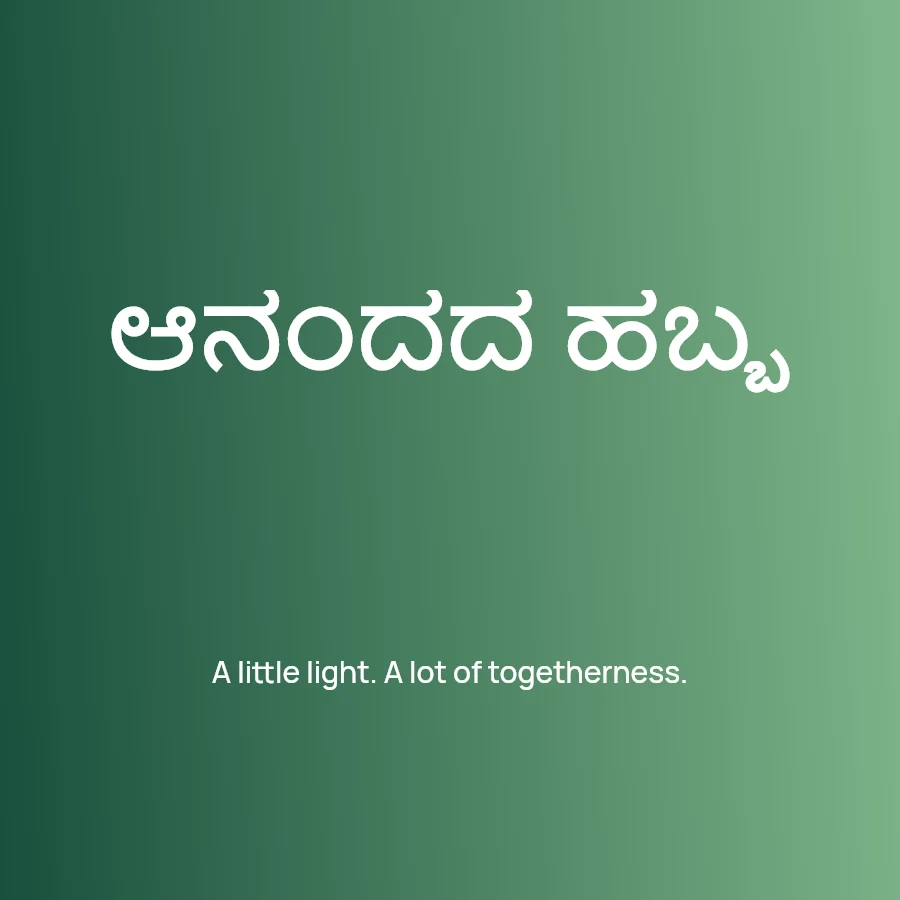
Write greetings, announcements and stories in the script your audience reads. Start with Kruti's built-in fonts, or discover more Unicode typefaces on Lipi, our companion platform.
Yes. Use custom canvas sizes, layered backgrounds, text, photographs, cards and drawings for announcements, promotions, invitations, greetings and everyday social posts.
No. Kruti includes built-in stylish and multilingual font choices. Preview a font before applying it. Local font upload is available when you want a particular typeface.
Autosave and your saved-design library use browser-local storage. Download .kruti files for backups or moving posts between browsers. Clearing browser storage can remove local designs.
Export PNG or JPEG independently of canvas zoom. Where supported, native image sharing opens your device share sheet. Editable .kruti files can also be downloaded and shared.